

Start from the Talent Tracking page
- Open Talent Tracking in the left navigation.
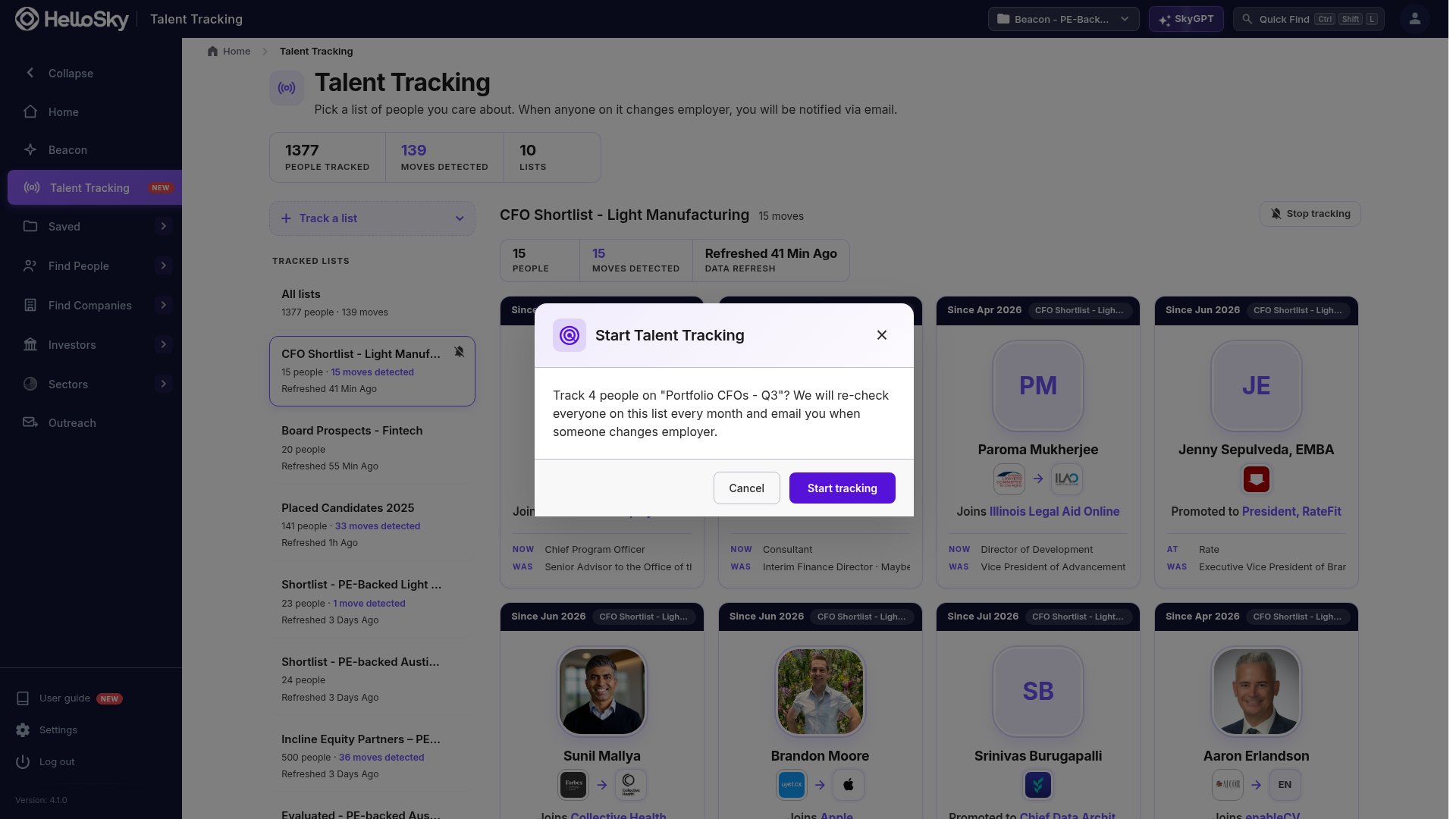
- Click Track a list and choose a people list. Lists over the size limit are shown greyed out.
- Confirm. HelloSky tells you how many people it is about to track.
Start from a people list
Open any people list and click Talent Tracking in the toolbar, next to SmartRank. Once the list is tracked the button reads Tracking and opens the tracking view for that list.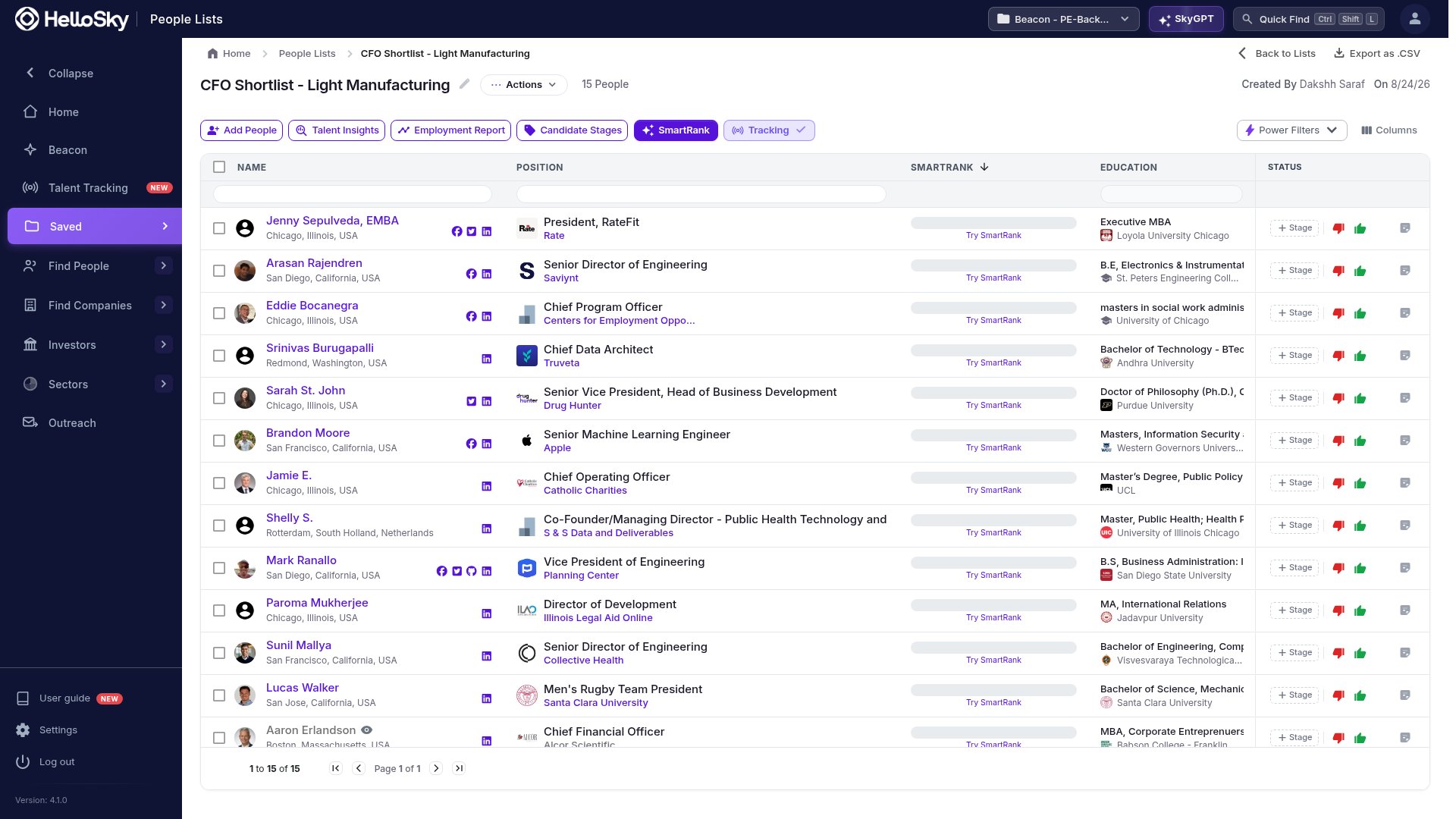
What happens in the first few minutes
The moment you confirm, three things happen:- A look back over the last six months. Anyone on the list whose current role started in the last six months appears as a card straight away, with the role they had before. You do not have to wait a month to see the first moves.
- A welcome email. If the look-back found anything, you get one email summarizing it within a minute.
- A fresh check of everyone. HelloSky re-checks every person on the list against their public profile. While that runs the list shows Refreshing, and the people table shows Checking on each row. It usually takes a few minutes.

Limits
- A tracked list can hold up to 5,000 people. For a larger group, split it into lists by role, region, or engagement; the alerts are grouped by list, so smaller lists are easier to read anyway.
- Tracking is personal. If a teammate wants alerts for the same list, they track it too, and each of you spends your own credits on it.
- Starting a list needs enough credits to check everyone on it once; lists you cannot cover are greyed out in the picker. See Credits.