

Start a SmartRank
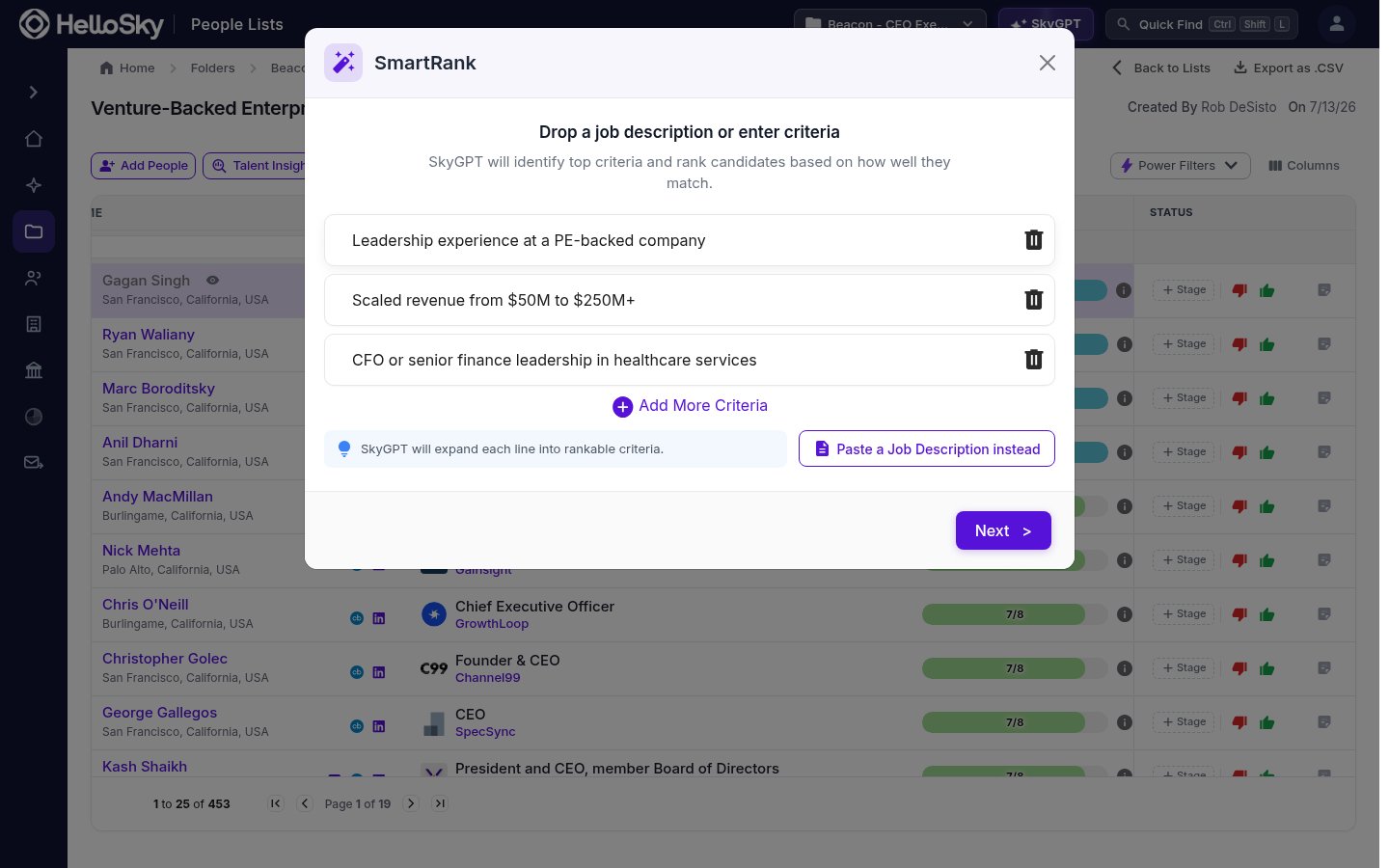
Open a saved people list and click SmartRank in the toolbar. There are two ways to define what you’re looking for:- Enter criteria: type one requirement per line, like “Leadership experience at a PE-backed company”. SkyGPT expands each line into rankable criteria.
- Paste a job description: switch to the job description view and paste the text, drop in a PDF or Word file, or paste a link to the posting (Ashby, Greenhouse, Lever, and similar). SkyGPT extracts the key criteria from it.
Review the criteria
Before anything runs, SkyGPT shows you the criteria it identified for the role. Edit any of them, delete the ones that don’t matter, or add your own, then click Next to start ranking.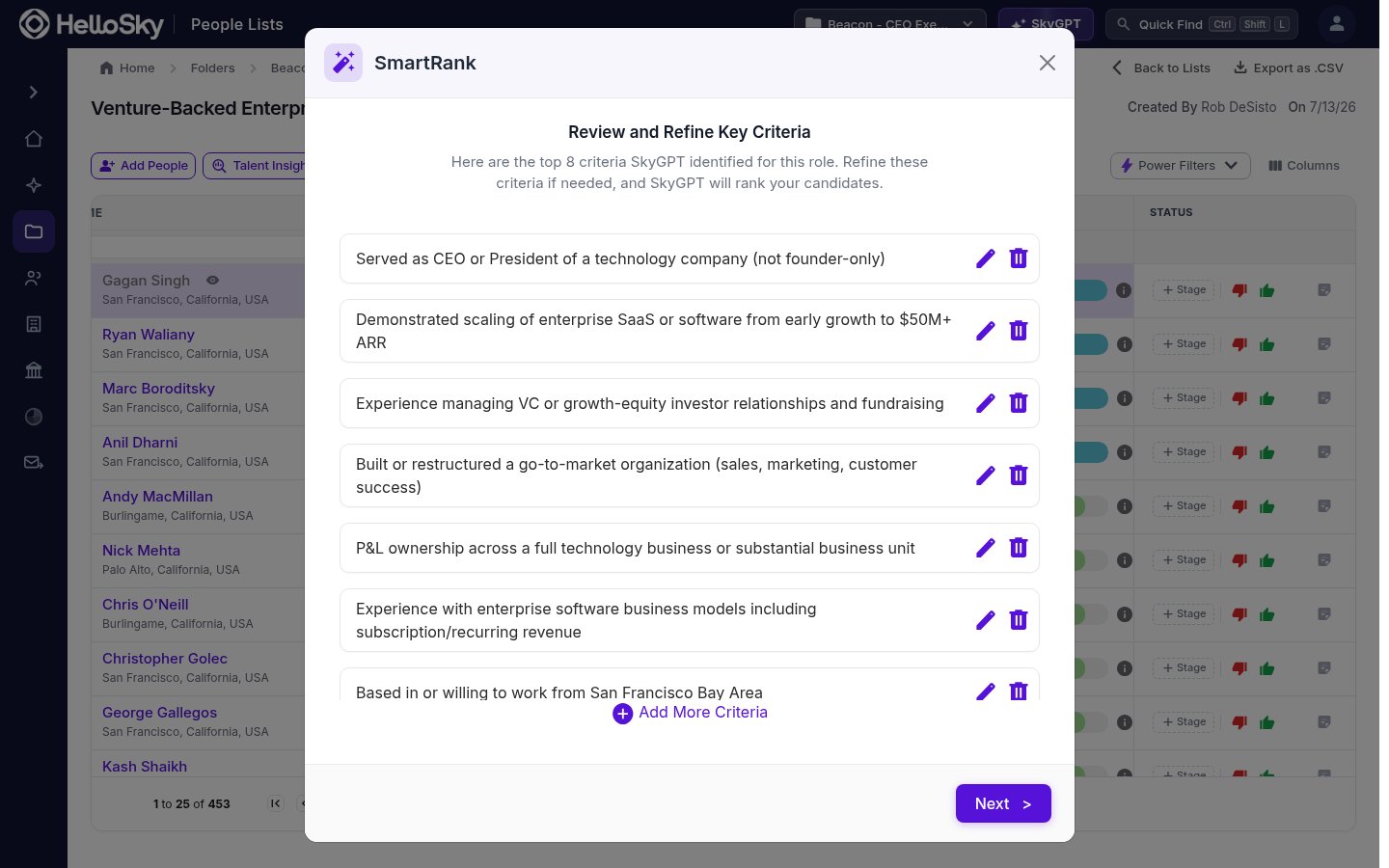
While it runs
Ranking happens in the background: the list shows a progress counter as candidates are evaluated, and you can keep working or leave the page entirely. You’ll receive an email notification when the rankings are ready. A Cancel button next to the progress counter stops the run.For lists larger than 1,000 people, SmartRank evaluates the top 1,000 candidates.