

1. Sign in
Go to platform.hellosky.ai and sign in with your email and password, or with Google or Microsoft.
2. Start a search
Home opens on a composer with three modes: Find (look someone up by name), Ask (describe who you need, or paste a job description, and SkyGPT builds the search), and Beacon (hand the role to the AI research agent). For your first search, stay on Ask and type something like “CFOs of Series B FinTechs who have taken a company public.” As you type, checkmark chips above the input show what HelloSky has picked up — title, location, stage — so you can see the search take shape before you run it.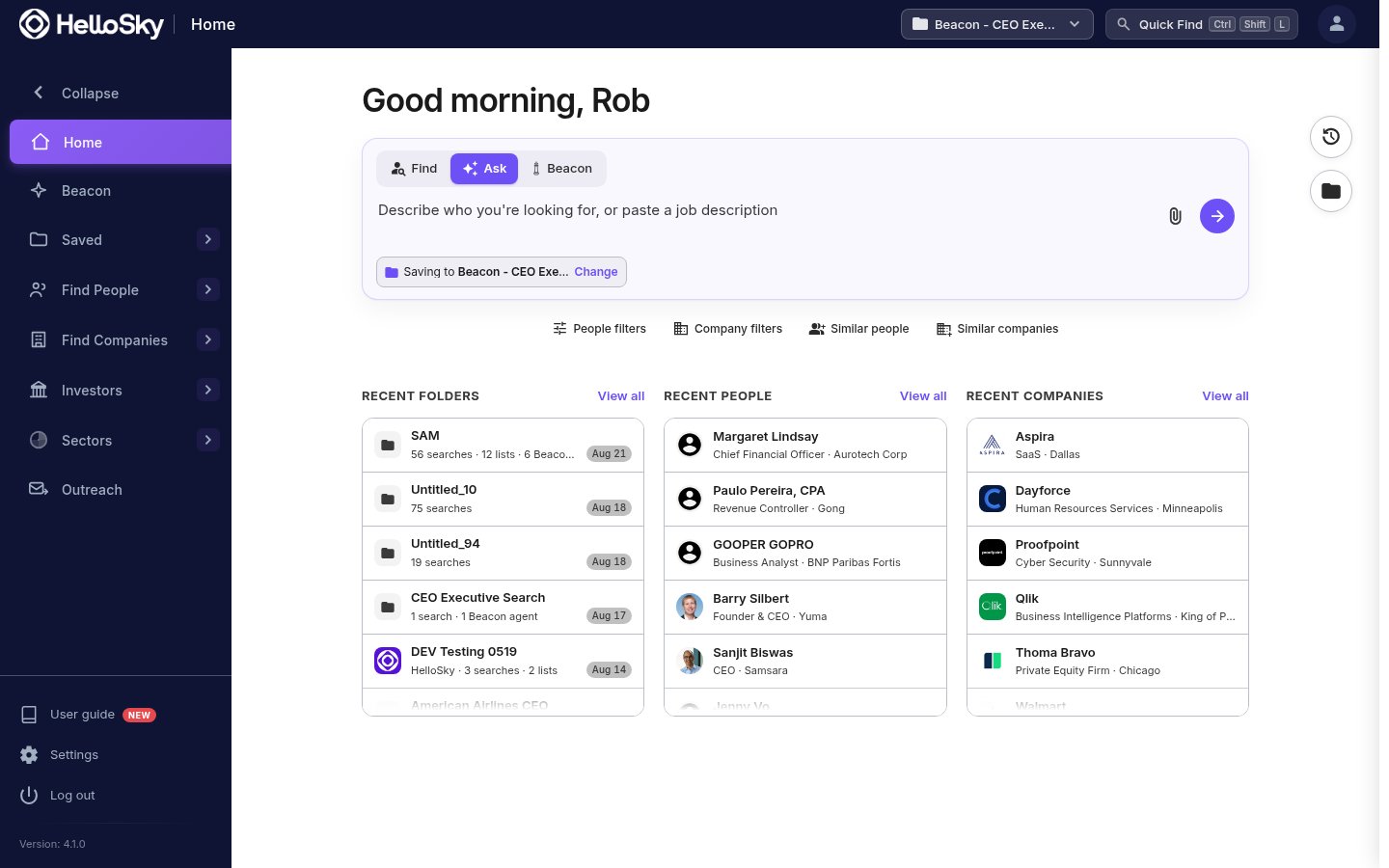
3. Add filters and run it
Add a job title and a location; the search button shows a live count of matching people as you go. Click it to see results.
4. Review results
Results open in a table with each person’s current role, company, and sector. Click a row to preview a profile, and click the person’s name in the preview to open the full profile: career history, contact details, and deal signals.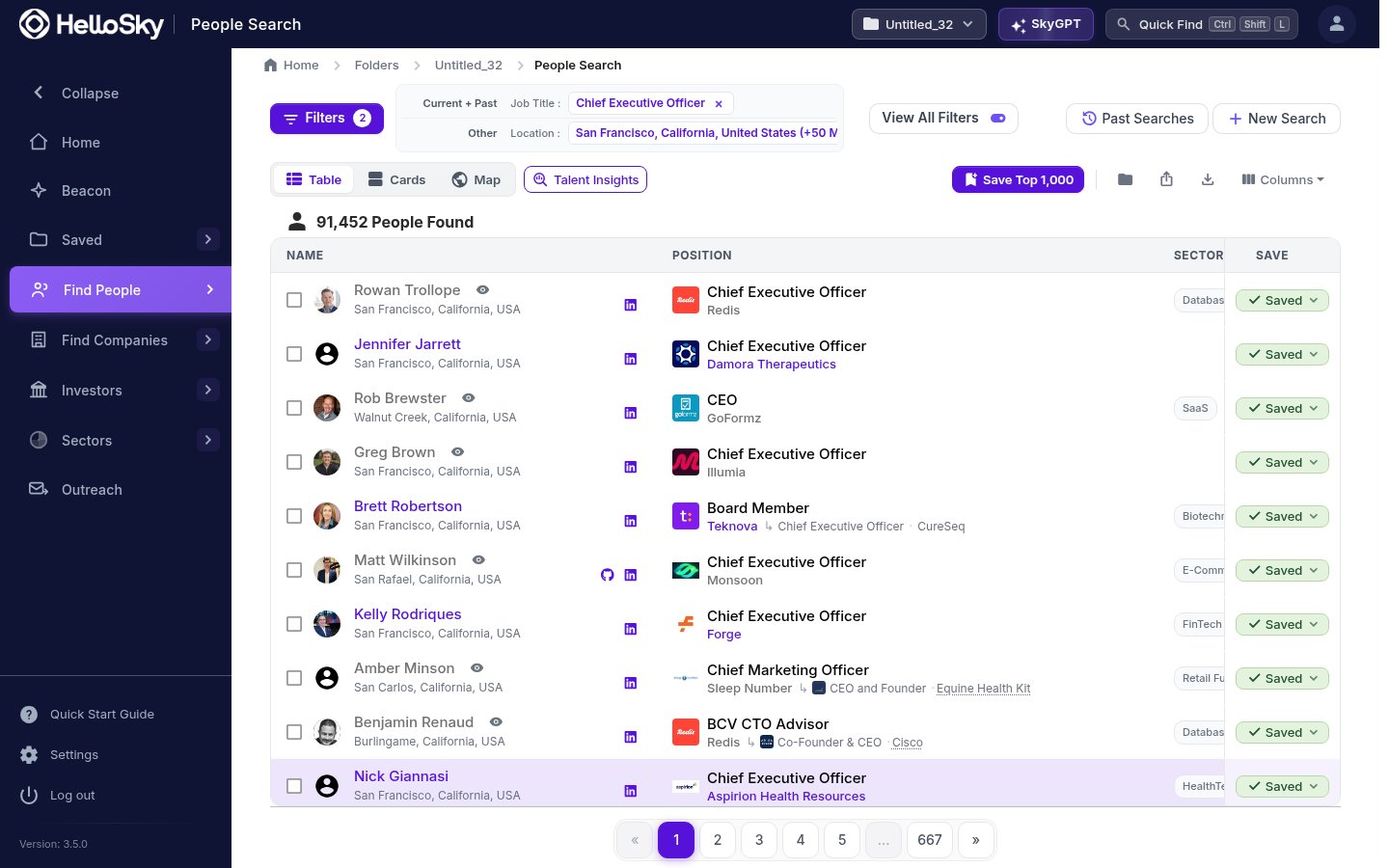
5. Save the best to a list
Click Save on a promising row, type a name under New list, and click Create. Keep saving into that list as you review.
6. Share it
Open your list from Saved, then People Lists, click Actions, then Share List, and send it to a colleague or copy the link.Where to go next
- Let Beacon run the whole search for you: brief it like a researcher, get a ranked shortlist.
- Learn the full People Search filter set.
- Set up candidate stages and SmartRank on your new list.