

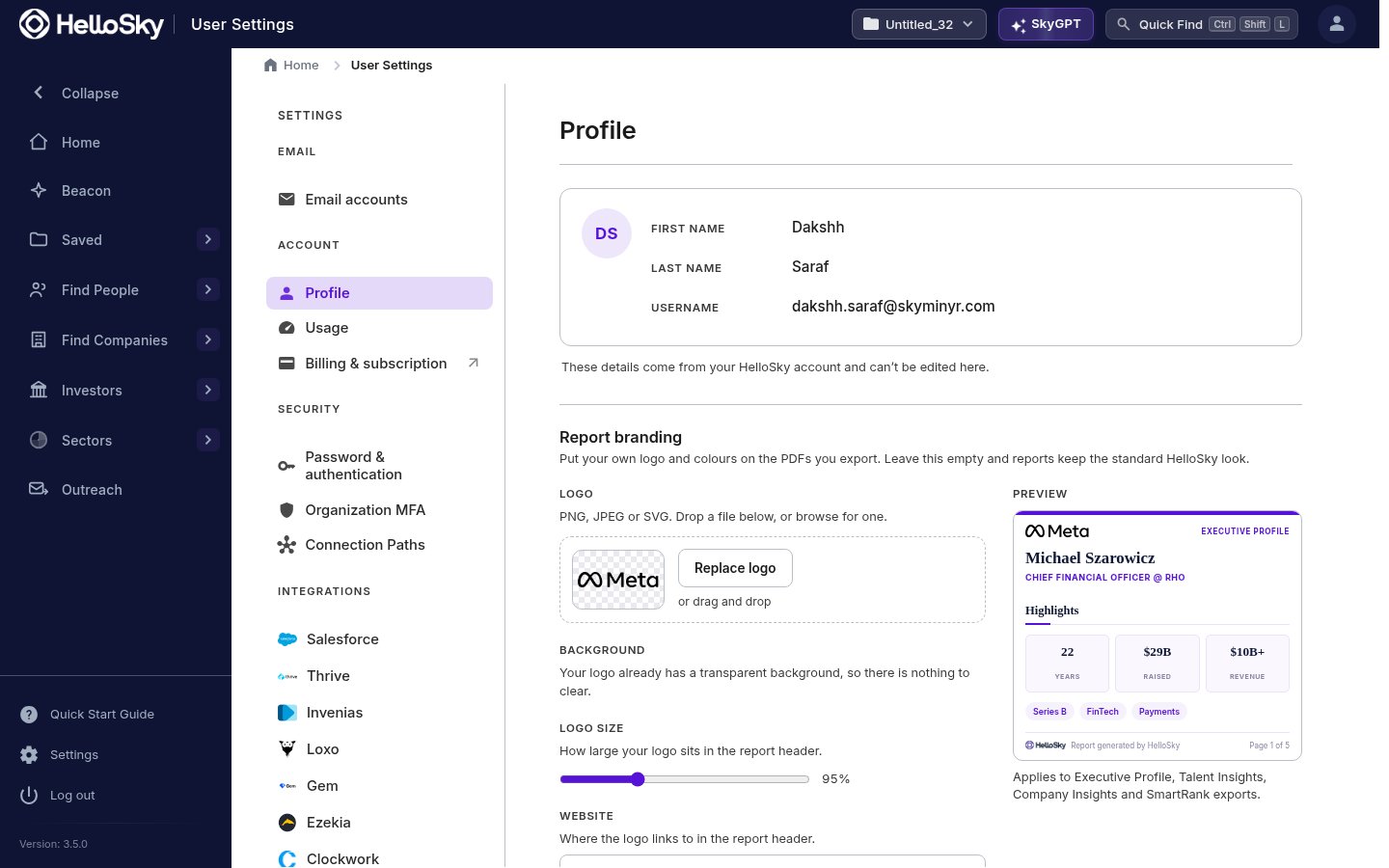
Profile and report branding
Profile shows the name and username on your HelloSky account. Report branding puts your firm’s logo and colors on the PDFs you export: Executive Profiles, Talent Insights, Company Insights, and SmartRank exports all pick up your branding, with a live preview as you adjust the logo, size, colors, and the website it links to. Leave it empty and reports keep the standard HelloSky look.Email accounts
Email accounts connects the mailboxes you send from, so outreach goes out as you.Security
- Password & authentication: change your password and set up multi-factor authentication.
- Organization MFA: admins can require MFA for everyone in the organization.
Integrations
Connection Paths and the Integrations section connect HelloSky to the systems your team already runs, including Salesforce, Thrive, Invenias, Loxo, Gem, Ezekia, and Clockwork, so profiles and lists flow into your ATS or CRM. The Send to ATS action on person profiles uses the connection you set up here.Working as a team
- Org-wide lists let the whole team build and work shared pipelines; see Sharing lists.
- Lists and folders record who created what, so parallel searches stay attributable.
Seats are managed by HelloSky rather than self-serve. To add teammates to your organization, contact your account manager or info@hellosky.ai.